CG vehicle damage – VFX „Wer gräbt den Bestatter ein?“

Edit Template
CG vehicle damage – VFX „Wer gräbt den Bestatter ein?“
Edit Template

CG vehicle damage for feature film VFX production

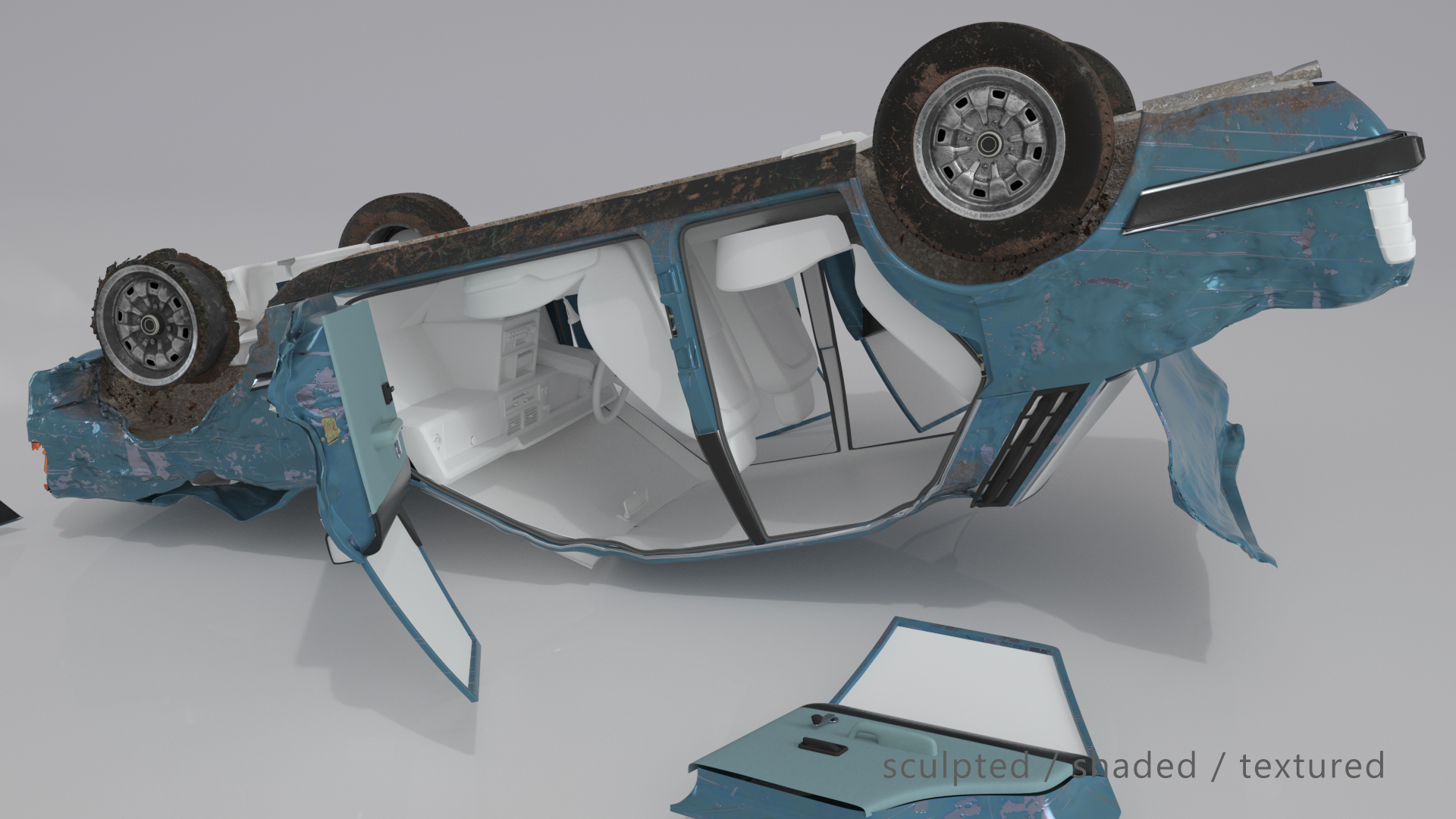
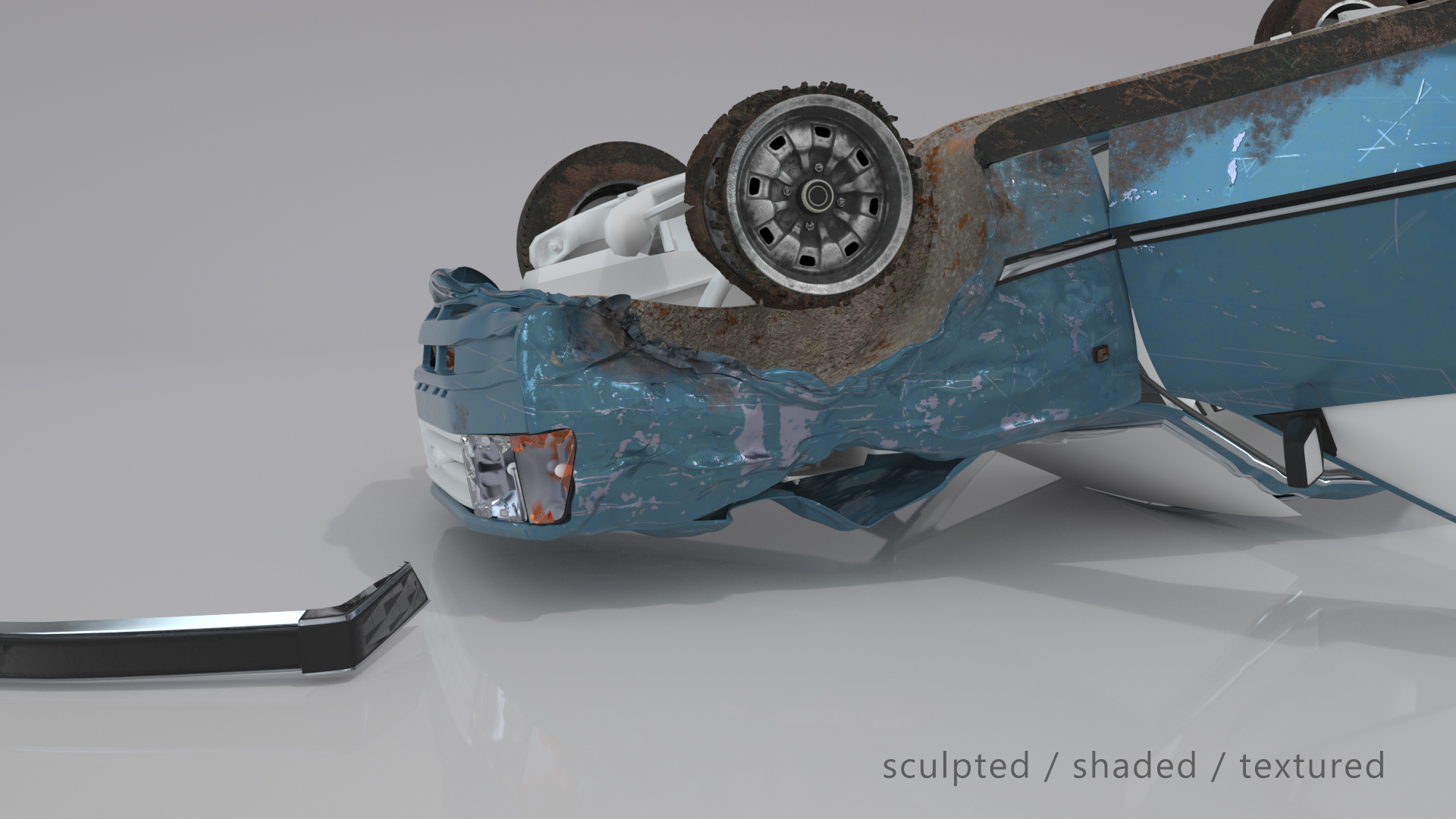
For the feature film “Wer gräbt den Bestatter ein?” [ IMDb ] produced by the Schmidbauer-Film GmbH, a realistic on-screen car crash had to be created without damaging the actual vehicle. To achieve this, extensive CG vehicle damage work was required, combining detailed CG modeling with physically plausible destruction. Although reference footage and production data were available, the damaged vehicle had to be built entirely in CG to seamlessly integrate into the live-action shots.

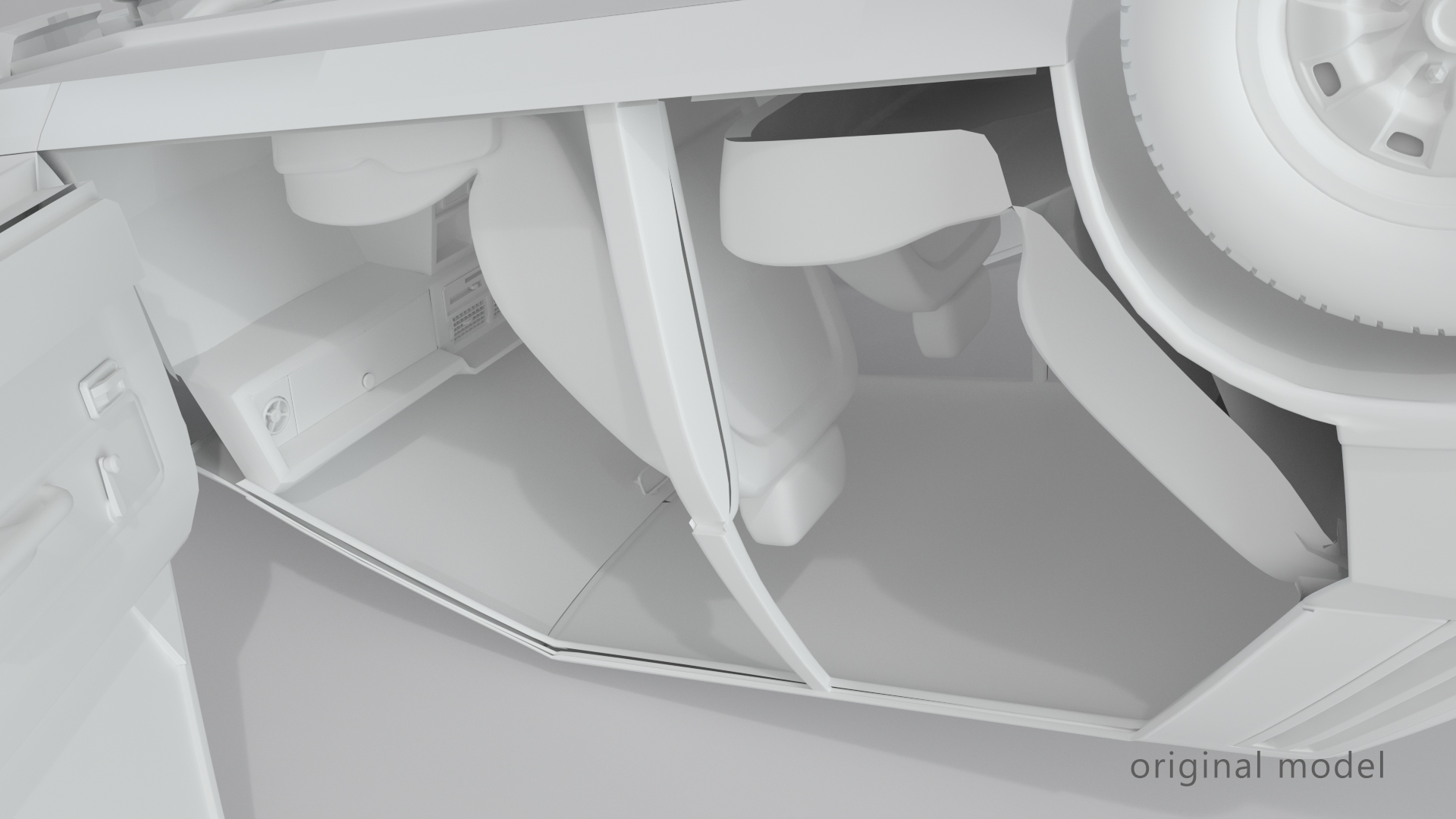
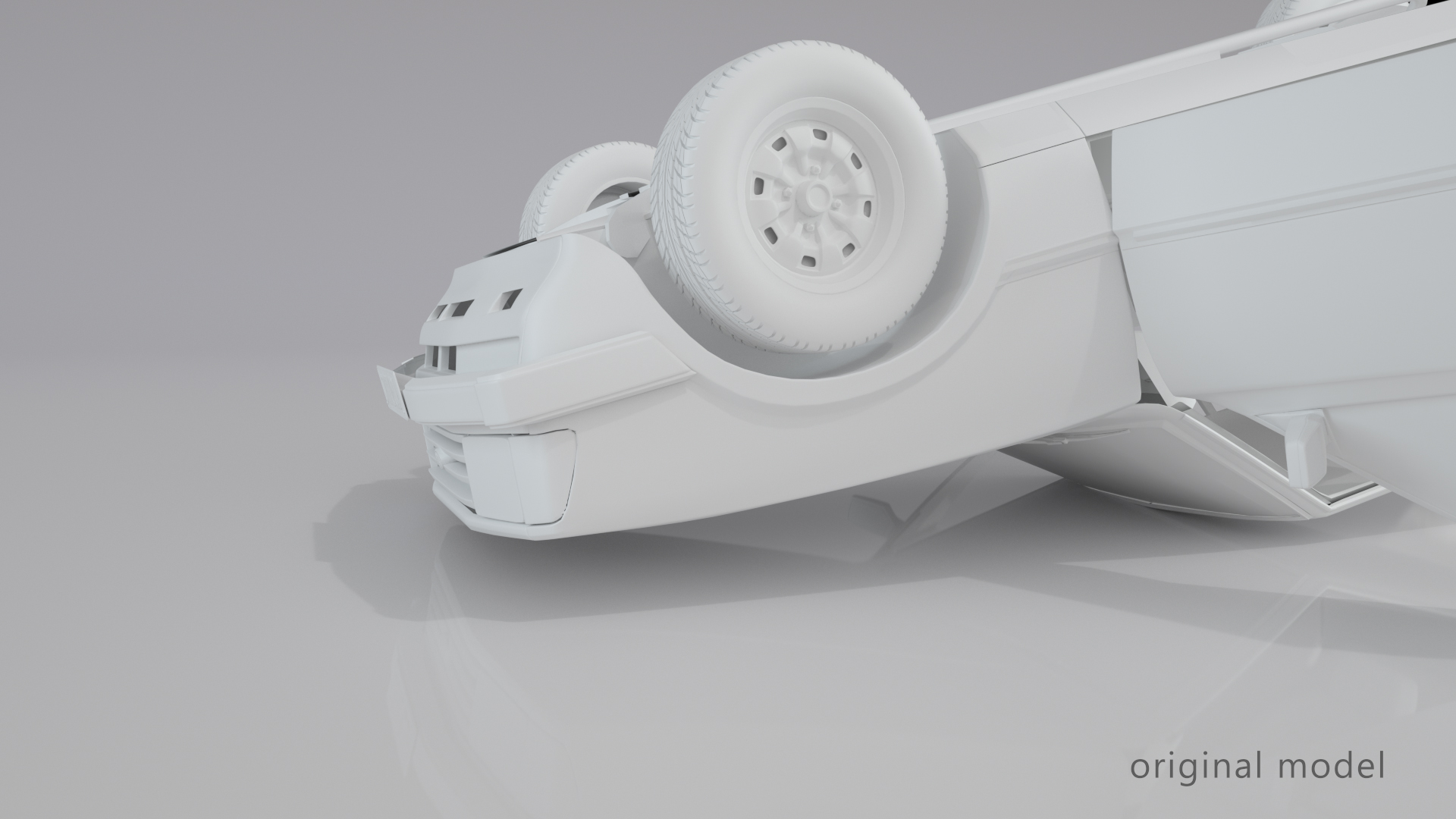
The production studio rustled up a nearly identical, if not quite detailed enough 3d-model of the car and I was provided with exact information about its position after the crash, what must be visibly damaged and how it would have come to rest on its head.

Since it is always great fun to create something used and damaged, rather than virgin and straight out of the factory, I immediately took to work.

After
Before
Adding missing parts

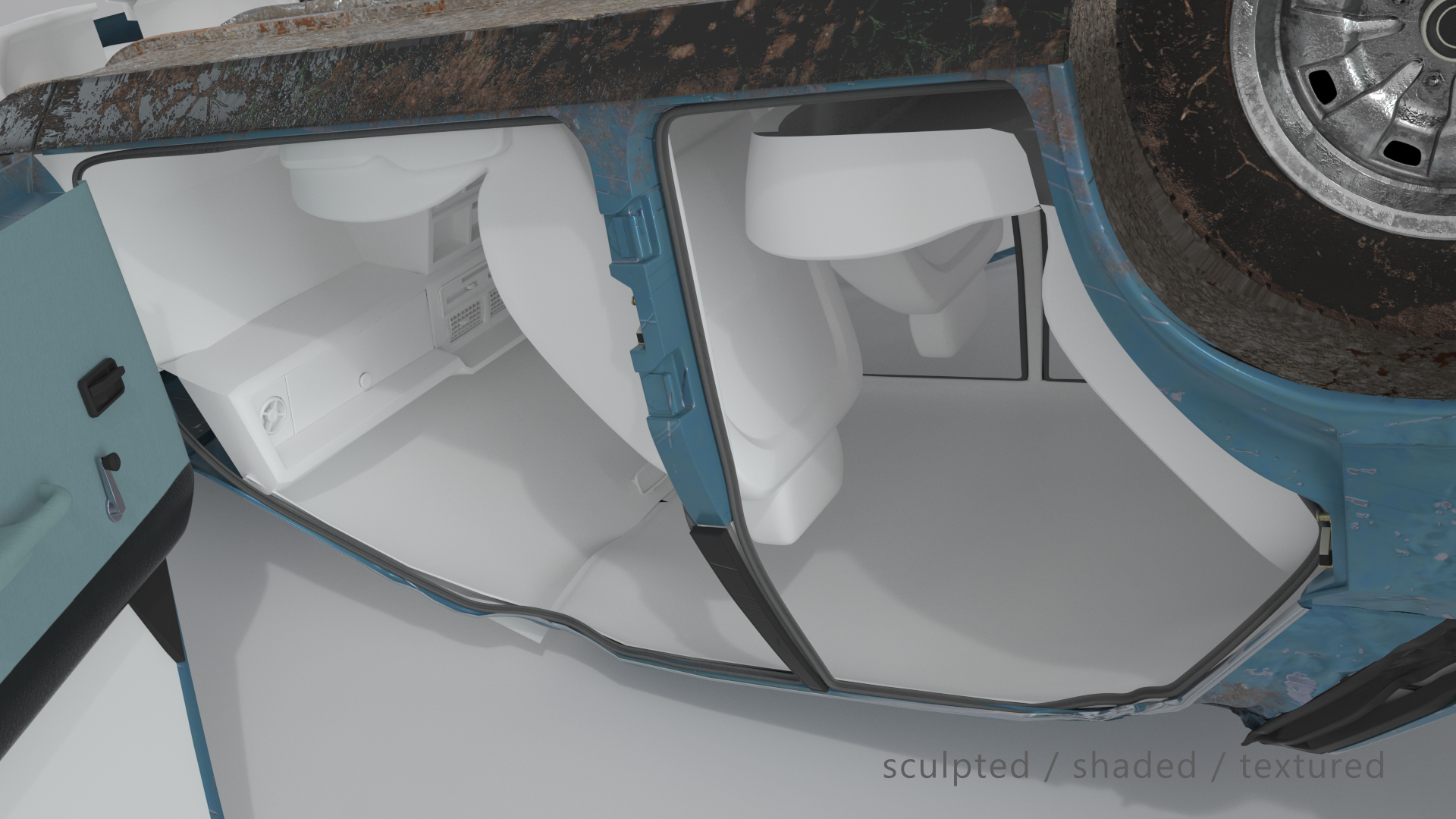
After positioning the 3d-model of the car in Autodesk Maya according to the information given, I could quickly form an opinion which parts needed additional work and which could be neglected. While the interior of the car was to be replaced in compositing anyway, the T-girder and the parts surrounding the door frame for example clearly had not enough detail for the intended close-up shot.

Before I could start sculpting the damages, I also had to decide what pieces of geometry needed unwrapped UVs for texturing and what could just be shaded in a procedural manner.

Virtual sledgehammer

The left front tire had to be ripped off, because one of the actors would interact with it while walking away from the car wreck. Additionally, to match the lighting that was used on set, the headlights had to be on, but the glass shattered.
Fortunately, most 3d-software packages nowadays come with the possibility to cut up geometry with the help of Voronoi diagrams, so the modeling tasks were quickly done and I could finally start ‘destroying’ the car in Autodesk Mudbox.

After I had made sure, that the amount and positioning of dents and scratches and the overall look of the damages was credible enough, to believe this car had actually just crashed, I exported the sculpted model to Substance Painter for texturing.

After
Before
After
Before
Make it dirty!

Considering the images from set, the car must have traveled a considerable way over a grassy field, before flipping over. So in addition to the scratches and chipped off car paint, I took care to scatter muddy, earthy bits on the lower side of the model and around the tires to further sell the illusion.

I delivered the resulting high-poly model with the necessary textures as a FBX-file, and after being tracked and rendered in Arnold, Andreas Engelhardt did the fantastic job compositing the elements as you can see above.

DATE
TOOLS
Autodesk Maya

Autodesk Maya

Autodesk Mudbox

Autodesk Mudbox

Adobe Substance Painter

Adobe Substance Painter

TASKS
CREDITS

Andreas Engelhardt

compositing, post production supervisor

Edit Template

Jörg Faßbender |
Freelance 3D Artist

CONTACT

[ Impressum ]

Edit Template